
Managing one rental can already involve a lot: inquiries, calendar updates, guest or tenant messages, cleaning, documents, and follow-ups. It is easy to assume you need a property management system (PMS) as soon as you start.
Sometimes you do. Sometimes a clear process and the tools you already have are enough. The useful question is not how many properties you own, but where the work is becoming hard to manage.
What would the software do for you?
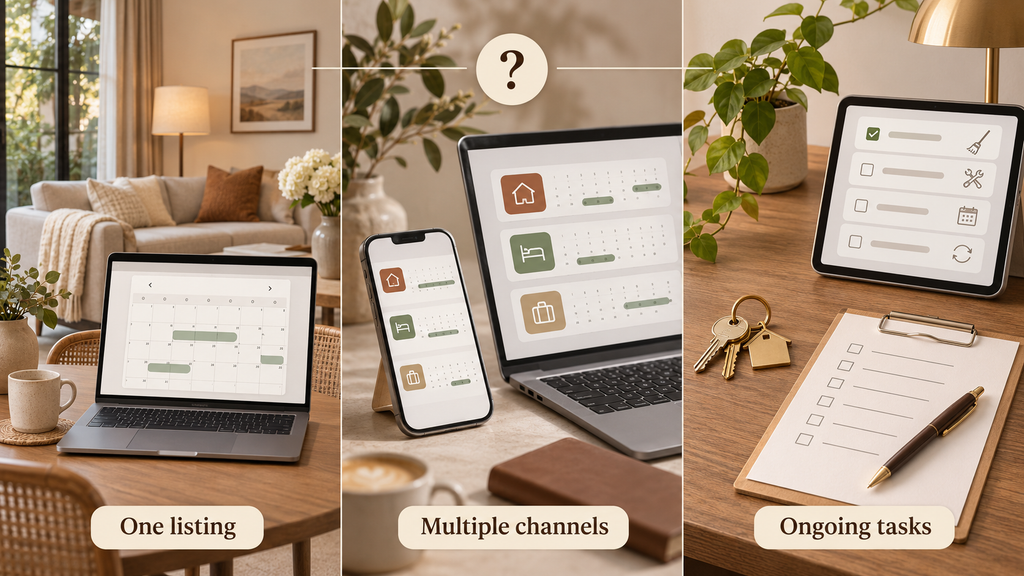
For short stays, a PMS or channel manager may help you manage availability, rates, reservations, and listing details across booking platforms. The features and the way they connect vary by provider. If you offer furnished stays with changing lengths or use more than one booking channel, keeping calendars and responsibilities clear becomes especially important.
A longer lease has different needs. You might be organizing inquiries, applications, lease documents, rent records, maintenance requests, and move-in steps. Software made for short-stay bookings may not be the right place for that work. Start with the tasks you actually need to manage, then look at the tools that support them.
When a simpler setup may be enough
If you have one property on one platform, receive a manageable number of inquiries, and can keep your calendar and tasks current, you may not need another subscription yet. A written checklist, message templates, a calendar you check regularly, and an organized place for documents can go a long way.
That still requires someone to own the process. Decide who answers inquiries, updates availability, checks the property between stays or tenancies, and follows up on unfinished tasks. A simple system works when people use it consistently.
Signs it may be time to add a tool
Consider a PMS or another rental management tool if:
- You list the same property on multiple booking channels and spend time checking whether their calendars match.
- The same messages, updates, and handoffs take up hours every week.
- More than one person helps with the rental and it is unclear who is handling what.
- You need a clearer record of recurring work, such as turnovers, maintenance, or tenant follow-ups.
- You are adding another property or changing how you rent the one you have.
These are reasons to review your workflow, not reasons to buy the first tool you see. Write down the problem you want solved and compare that with the software’s actual features, costs, and setup requirements.
Before you connect an existing listing
Connecting software deserves a careful check. For Airbnb, an existing listing can be connected to compatible software without creating a duplicate. The connection may sync everything or just pricing and availability, depending on the settings you choose.
Before making changes, check:
- Which listing is the existing one? Keep its listing ID and confirm how the provider will connect it.
- What information will sync? Know where you will edit photos, descriptions, rates, fees, availability, and booking rules after the connection.
- Who has access? Keep the owner’s account and permissions clear, including who can change settings.
- Do the calendars and rates match? Review blocked dates, minimum stays, prices, and any existing reservations after connecting.
- Are messages and tasks ready? Check templates, timing, assigned people, and what still needs a human response.
- Can someone else follow the setup? Record the decisions and routine checks in a guide you can keep.
A tool does not fix a confusing listing or a process nobody has agreed on. It can also create more work if settings are connected without a review. Start with the workflow, connect carefully, and check the result before relying on automation.
Where we can help
Rentals Made can review how you currently manage your rental, identify the tasks that need a clearer process, and help with agreed listing, platform, message, or workflow setup. If a tool makes sense, we can help organize the connection and check the setup with you. If your needs are simpler, we can create practical templates and a handover guide instead.
You speak with one main contact while we coordinate the agreed work. You can take the guide and run the process yourself, or ask about custom weekly support for recurring tasks.
Not sure what your rental needs yet? Book a consultation and tell us what you are managing now and what is taking the most time.